



Mihomo+MetaCubaXB实现Linux上科学上网
前端使用MetaCubeXD
后端使用mihomo
文件位置 -d 配置文件位置
/usr/bin/mihomo -d /etc/mihomo
更新配置文件:
/etc/mihomo/config.yaml
mixed-port: 7890

allow-lan: true

bind-address: '*'

mode: rule

log-level: info

external-controller: '0.0.0.0:9092'  #允许远程管理

secret: 'xxxxxxxxxxx'

dns:

    enable: true

    ipv6: false

    default-nameserver: [223.5.5.5, 119.29.29.29]

    enhanced-mode: fake-ip

    fake-ip-range: 198.18.0.1/16

    use-hosts: true

    nameserver: ['https://doh.pub/dns-query', 'https://dns.alidns.com/dns-query']

    fallback: ['https://doh.dns.sb/dns-query', 'https://dns.cloudflare.com/dns-query', 'https://dns.twnic.tw/dns->

    fallback-filter: { geoip: true, ipcidr: [240.0.0.0/4, 0.0.0.0/32] }

proxies:
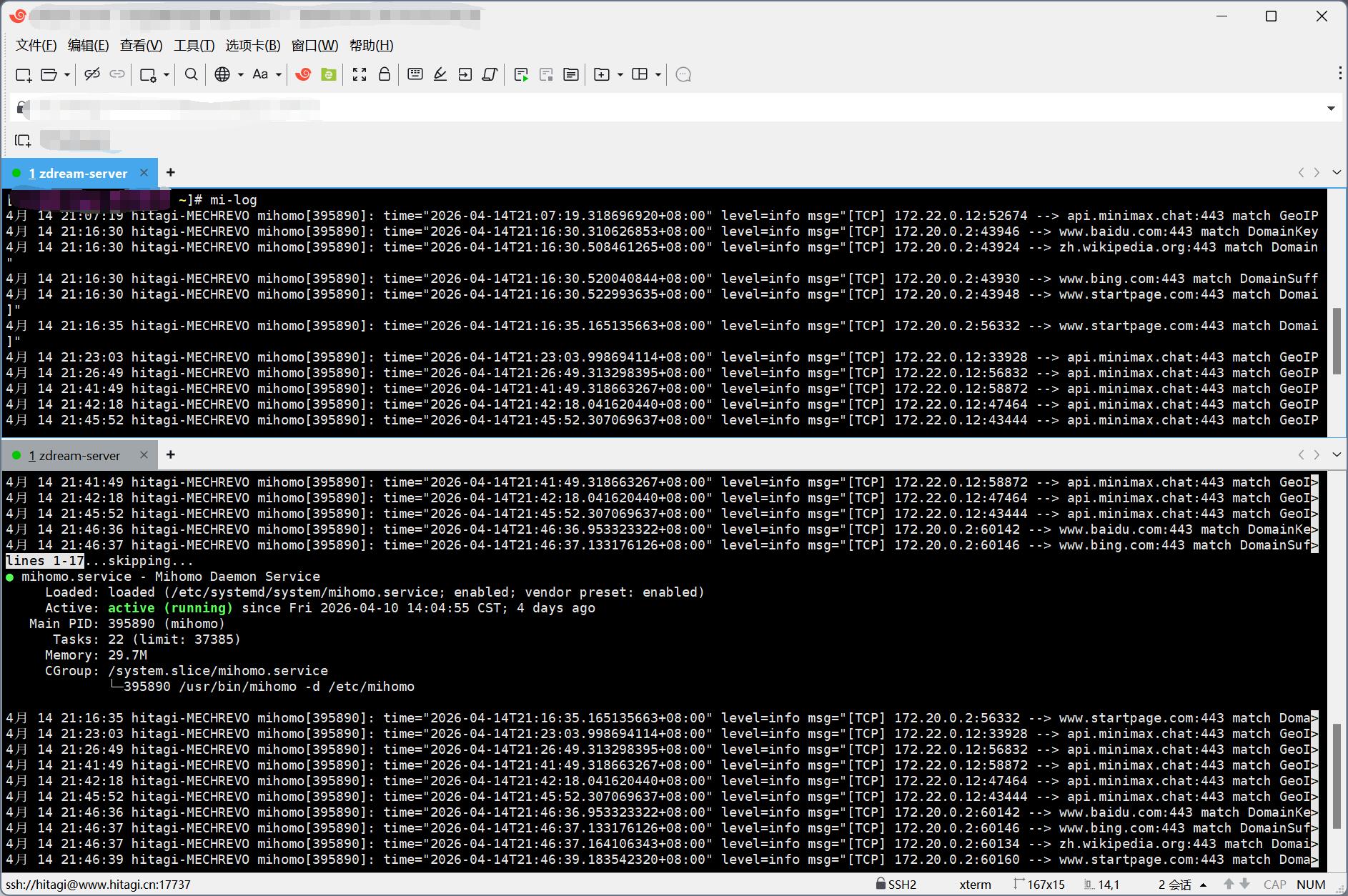
查看状态
systemctl status mihomo.service
重启
systemctl restart mihomo.service
全局代理配置
/etc/environment
PATH="/usr/local/sbin:/usr/local/bin:/usr/sbin:/usr/bin:/sbin:/bin:/usr/games:/usr/local/games:/snap/bin"

http_proxy="[http://127.0.0.1:7890](https://www.google.com/url?sa=E&q=http%3A%2F%2F127.0.0.1%3A7890)"

https_proxy="[http://127.0.0.1:7890](https://www.google.com/url?sa=E&q=http%3A%2F%2F127.0.0.1%3A7890)"

no_proxy="localhost,127.0.0.1,::1,192.168.0.0/16,10.0.0.0/8,172.16.0.0/12,.local"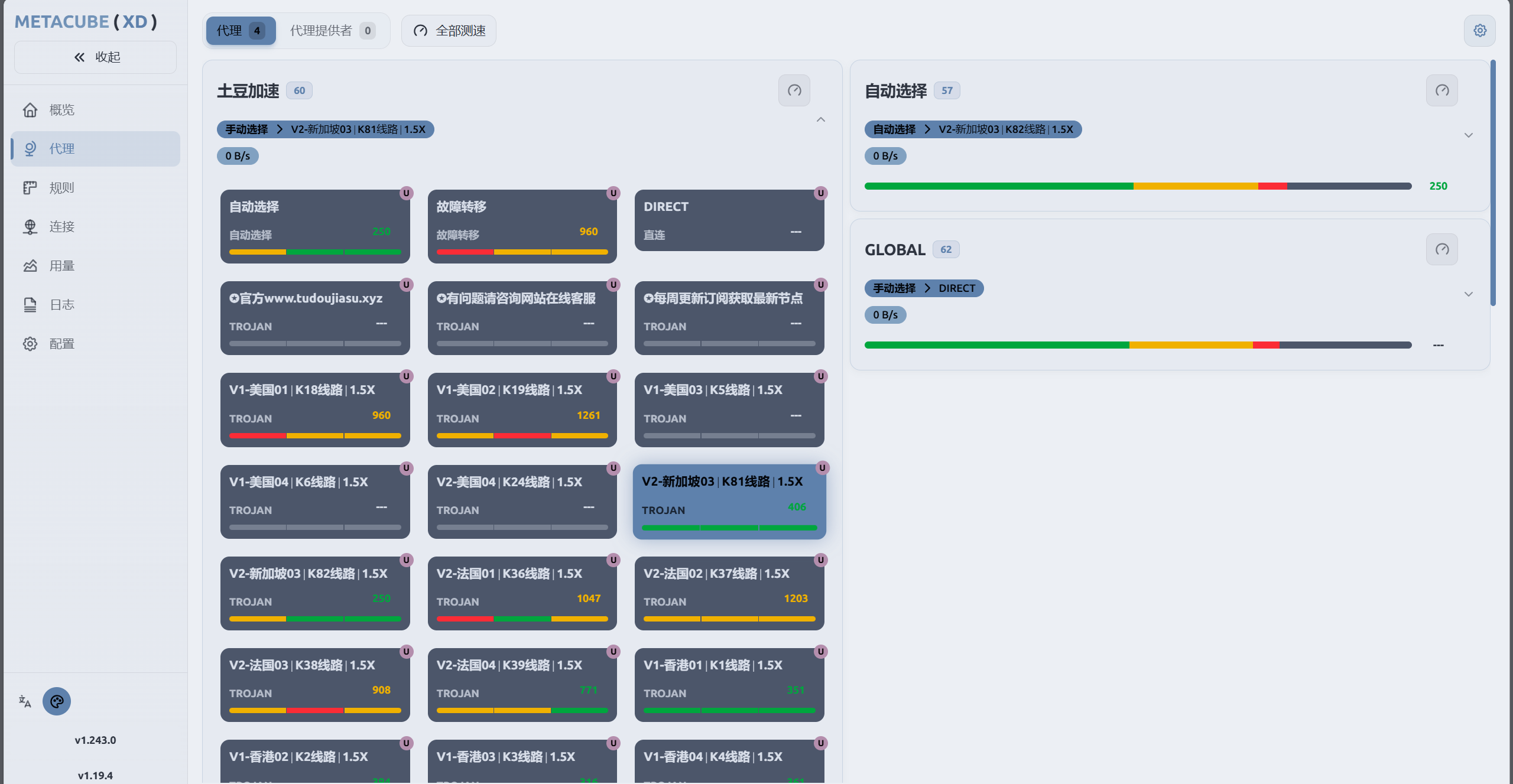
评论区